
Create item
The Create item method is used to add a new item to your Supabase table.
Here's how to do it:
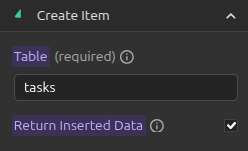
- Specify the table: Start by writing the name of the table to which you want to add an item.
NOTE
Return Inserted Data option defaults to true and uncheck it if your RLS might block current user from reading data
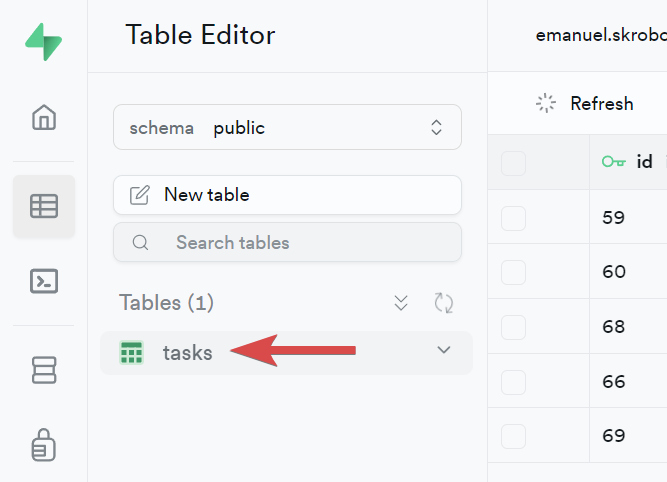
- Prepare key-value pairs: Think of these as labels and input fields. Each key matches a column in your table, and the value is the data you want to add to that column.

- Match keys to table headers: Make sure the keys in your key-value pairs correspond to the headers (columns) in your table.
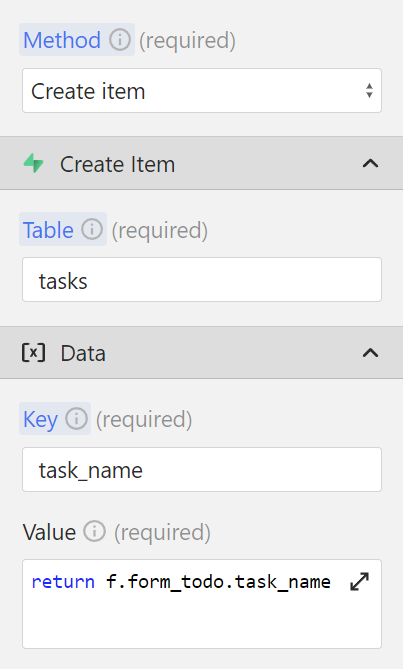
- Set values for each key that you want to add: The value part of each pair is the actual data you're adding to the table under that column.
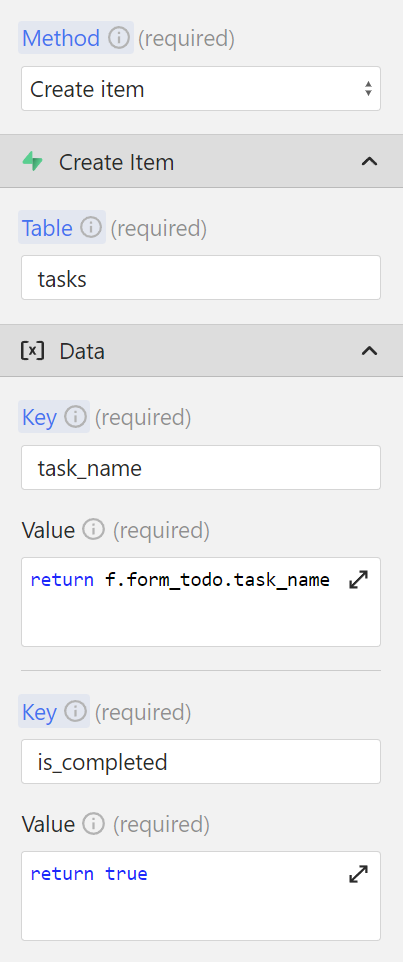
It's essentially like filling out a form where each field is a column in your table.